
Try it with two fictional members
Swap Alex and Sam’s availability, explore the proposed split and read their fictional report. No real tasks or iCloud data are created.
 NeatShift
NeatShift iOS
Try a free fictional household, then split chores around each person’s available time. Your real household stays untouched.
Purchase options and compatibility are detailed in the App Store listing and in the app.
What it does NeatShift
Swap Alex and Sam’s availability, explore the proposed split and read their fictional report. No real tasks or iCloud data are created.
Set how many minutes each member can contribute during the week.
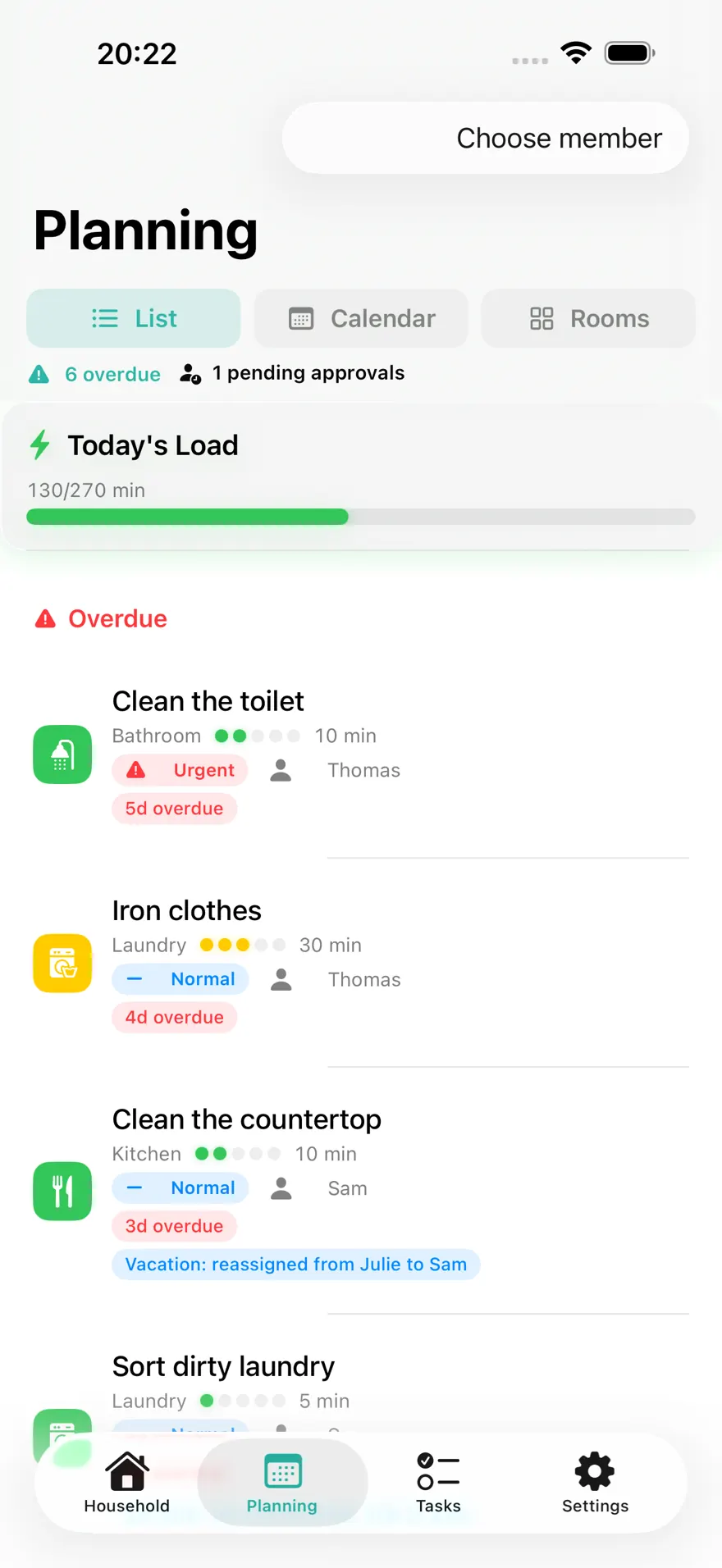
Review today’s plan and keep the remaining tasks in view.
Split chores around the time each person has available. NeatShift brings rooms, recurring tasks and household planning together, with optional private iCloud sharing.
TRY IT BEFORE SETTING UP YOUR HOME A free example introduces Alex and Sam, two different availabilities and four fictional chores. Swap their availability to see the proposed assignment, then read a report of fictional completions. The example uses the same rules as your household; it creates no real tasks and sends nothing to iCloud.
PLAN AROUND AVAILABLE TIME Each person sets the minutes they want to contribute on different weekdays. NeatShift keeps excess work visible and can assign eligible chores automatically by duration or count. Manual assignment remains available. Availability supports a conversation; it is not a quota to fill.
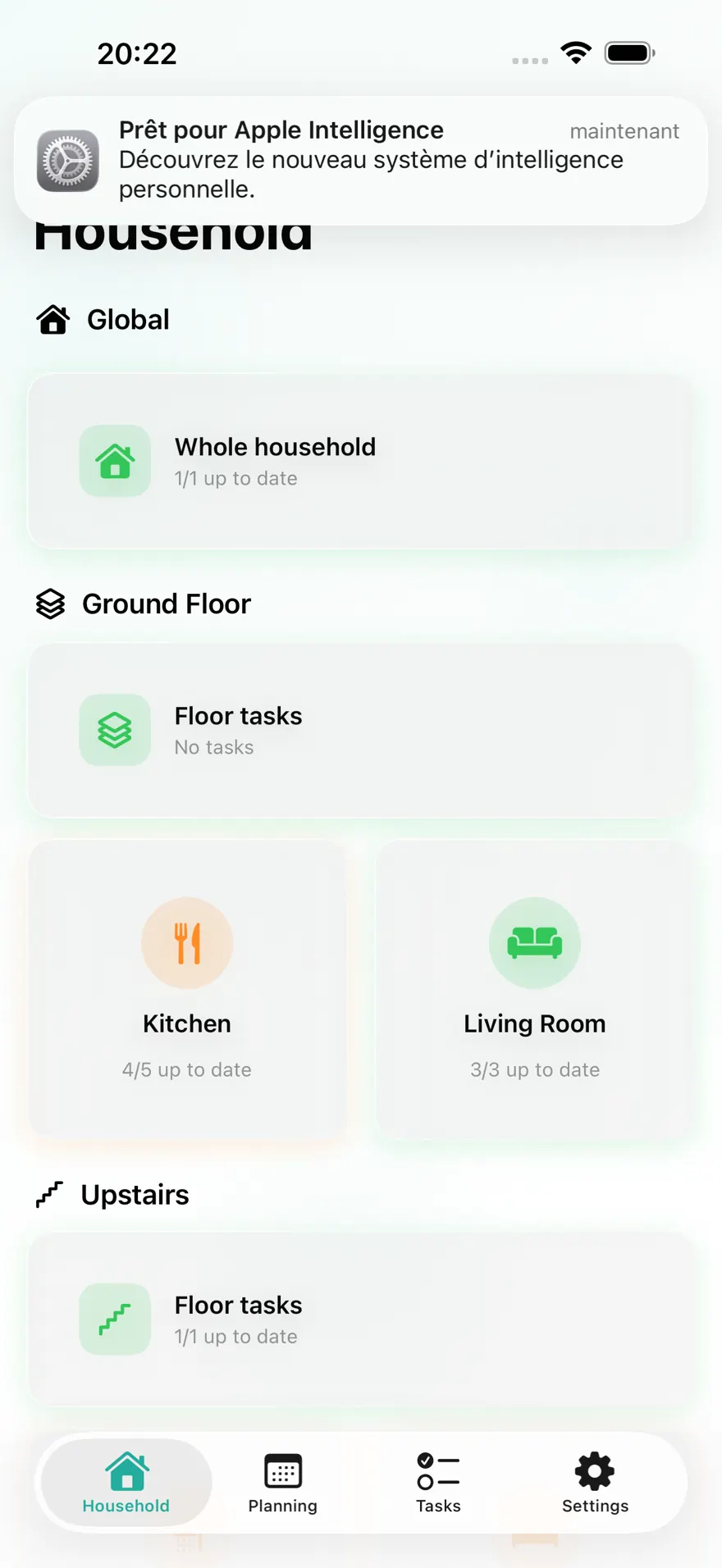
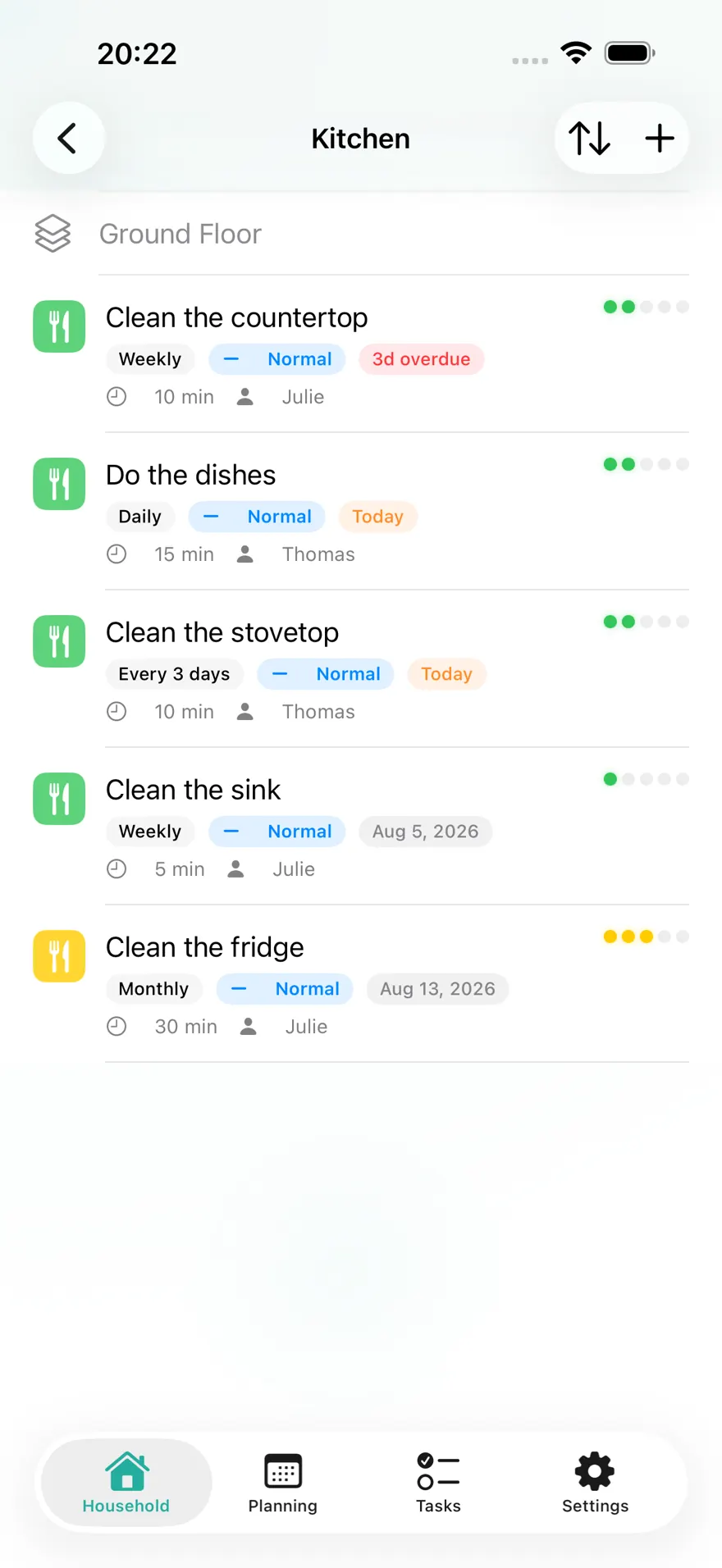
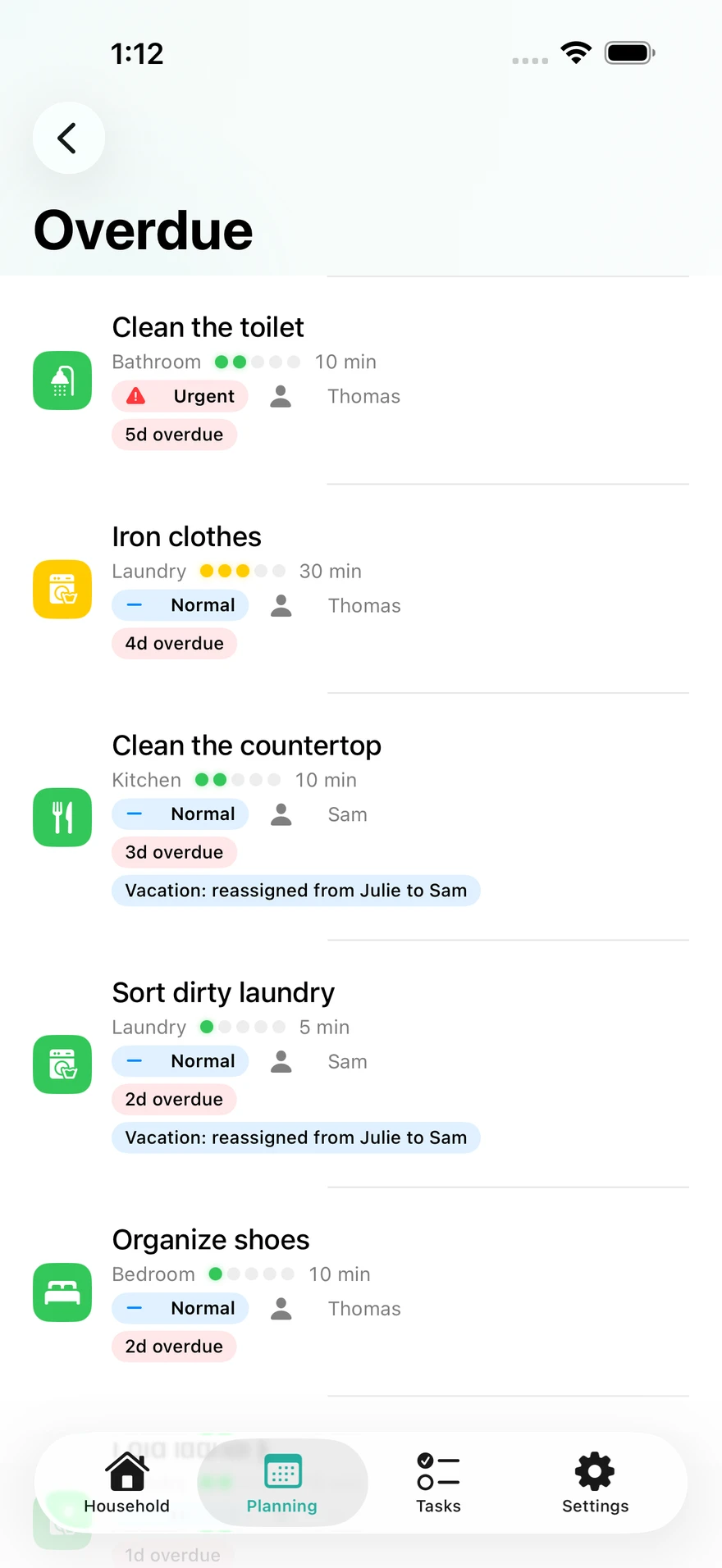
ONE PLACE FOR THE WHOLE HOME Organize floors, rooms and zones. A chore can belong to a room, a whole floor or the household. Add its duration, effort, priority, assignee and whether it depends on someone being home. Repeat tasks by day, week, month or year. After completion, the next due date starts from the actual completion date. Overdue work stays visible, oldest first.
SHARING AND TIME AWAY Invite your household through iCloud and link each participant to their profile. Schedule holidays, pause the household or redistribute an absent member’s tasks. Empty Home mode pauses presence-dependent chores while keeping work such as plants, ventilation or mail. Excluded days do not create false overdue work.
AT YOUR OWN PACE Local reminders, contribution history and a Home Screen widget for the day’s workload. Points, badges, streaks and rankings are optional and can be disabled without deleting history. With adult approval enabled, a child’s actions wait for review.
A REPORT YOU CAN READ FOR FREE Compare announced minutes with approved work over a week or month. Read the entire report, using names or initials, without rankings. Planning, chores, rooms, iCloud sharing, holidays, statistics, reminders and the widget remain free, with no limits on members, rooms or tasks.
OPTIONAL NEATSHIFT PRO Pro adds image and PDF exports of the report, the Sunday check-in and a four-week overload outlook. Documents are rendered on your device. Choose monthly or yearly access; eligible accounts can try the yearly plan free for 7 days. Apple Family Sharing is supported. Existing access is preserved; no existing free feature moves behind Pro.
PRIVATE BY DESIGN No NeatShift account, advertising, analytics or tracking. Use the app locally offline; optional sharing uses your own iCloud account.
Terms of Use (EULA): https://www.apple.com/legal/internet-services/itunes/dev/stdeula/
More independent apps
Support
Describe your question or the issue you encountered. Your message will be sent to support through Formspree.

